Introduction
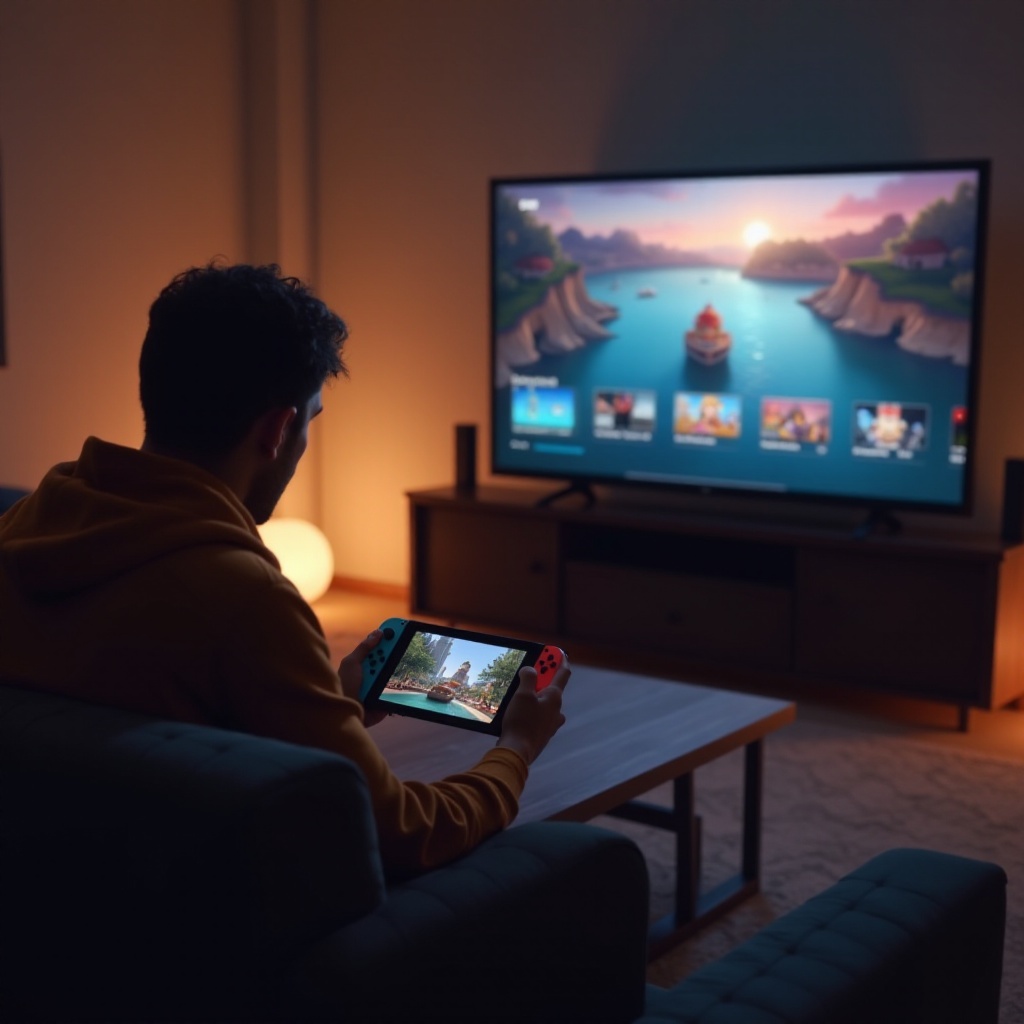
The Nintendo Switch offers both portable and home gaming experiences. While its handheld mode provides convenience, connecting it to a TV enhances gameplay with larger visuals and immersive sound. This guide covers the steps needed for setup, optimizing your TV for gaming, troubleshooting issues, and maintaining your gear for longevity. Dive in to unlock the full potential of your Nintendo Switch gaming on TV.
Setting Up Your Nintendo Switch for TV Play
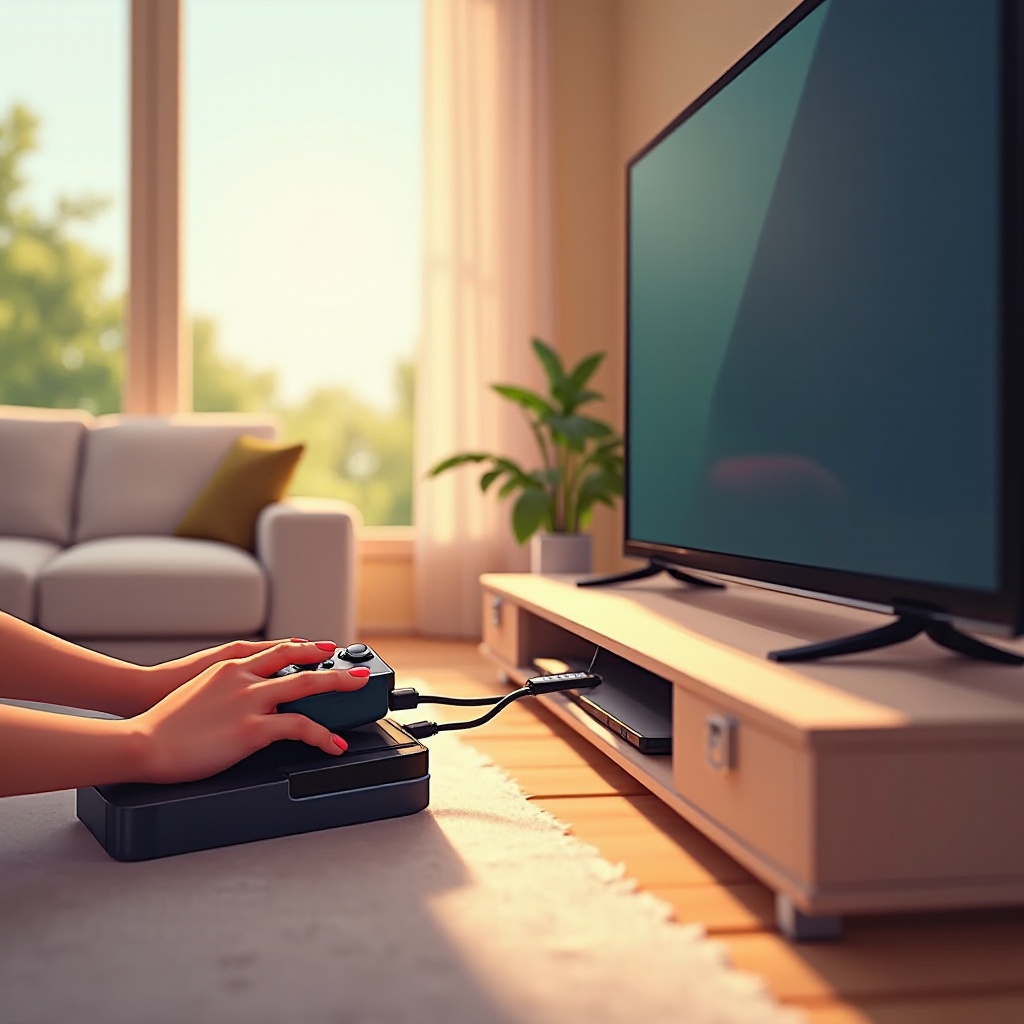
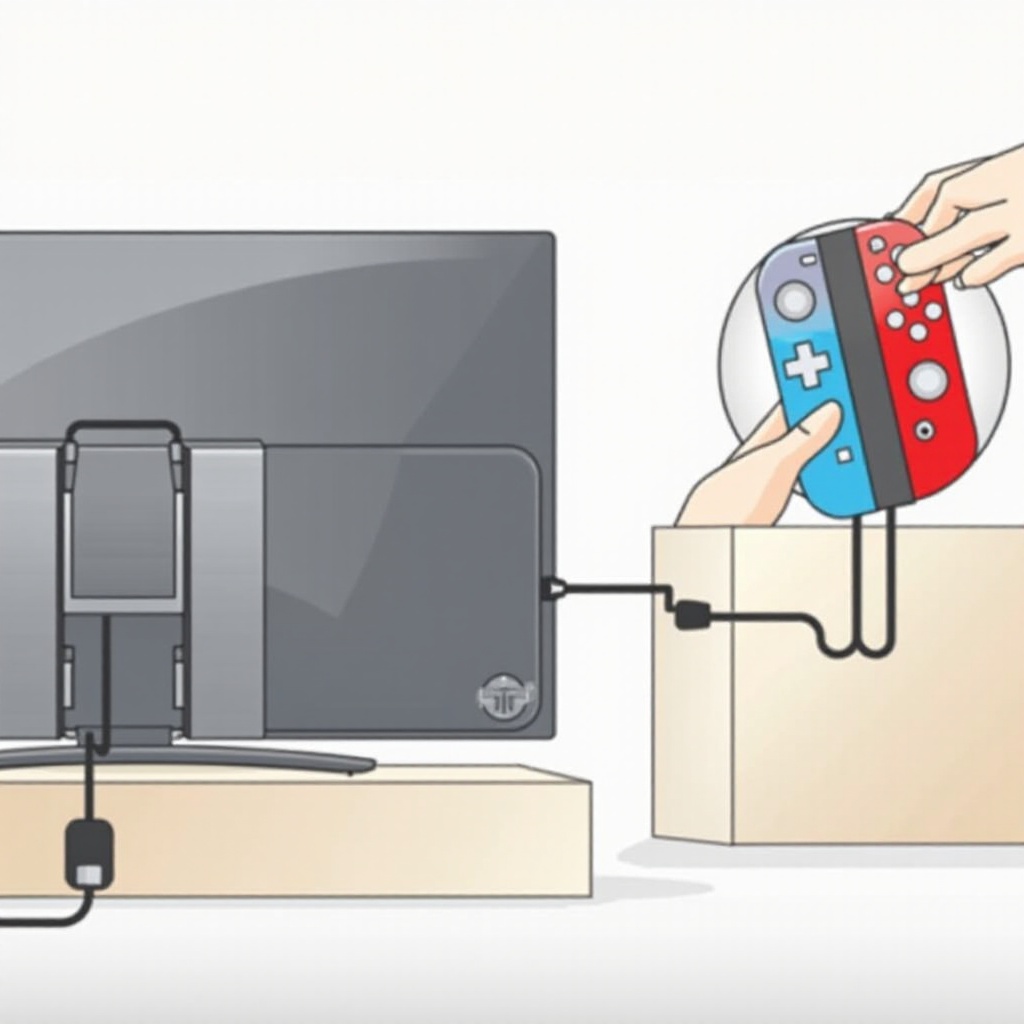
Getting started involves ensuring you have the right tools and connections. Use the Nintendo Switch Dock, HDMI cable, and power adapter to facilitate a seamless connection.
- Dock the console correctly, ensuring stability.
- Connect the HDMI cable from the dock to the TV.
- Use the power adapter to keep the system charged during play.
Once connected, your TV should display the console’s output, readying you for enhanced gameplay performance.
Optimizing TV Settings for Nintendo Switch
Optimizing settings on your TV can amplify your gaming experience immensely. By adjusting visuals and sound, you create a more engaging atmosphere.
- Visual Settings: Switch your TV to ‘Game Mode’ to minimize input lag. Set brightness and contrast to levels that suit your ambient environment and gaming preferences.
- Audio Settings: For superior audio quality, consider connecting external speaker systems. Make adjustments to your TV’s audio settings to ensure clear and impactful sound delivery.
These optimized settings will best prepare you for long gaming sessions, but challenges may still arise requiring troubleshooting expertise.
Troubleshooting Common TV Connection Issues
Occasionally, connection issues may disrupt gaming. Here are practical solutions:
- Signal Detection Problems: Verify all cable connections are tight. Alternate between HDMI inputs if the display is inconsistent. Reboot the TV and console to refresh connections.
- Audio/Visual Discrepancies: Tweak HDMI settings on your TV if visuals falter. Double-check audio settings and cable integrity to ensure clarity in sound.
Addressing these common hurdles equips you for uninterrupted gameplay with your console setup.
Maintaining Your TV and Console Setup
Ensuring your setup remains optimal requires regular care and preventive actions.
- Routine Cleaning: Dust the dock and cables periodically to prevent buildup. Inspect cables for wear monthly.
- Preventive Care: Use surge protectors to avert electrical mishaps. Avoid temperature extremes to protect electronic components from damage.
With these maintenance practices, your setup will consistently offer a superior gaming experience. Let’s wrap up our comprehensive guide.
Conclusion
Connecting your Nintendo Switch to a TV transforms gaming into a thrilling cinematic experience. With this setup, enjoy enhanced graphics, richer sound, and togetherness in multiplayer modes with family and friends. Regularly monitor connections and settings for peak performance. Now, engage with games more deeply and unwind with immersive gameplay!
Frequently Asked Questions
Can I connect Nintendo Switch to any TV brand?
Yes, you can connect the Nintendo Switch to any TV that has an HDMI port.
What can I do if the screen is blank after connection?
Ensure all cables are connected securely, try switching HDMI ports, and restart both the TV and the Nintendo Switch.
How can I improve audio quality when playing on TV?
To improve audio quality, connect external speakers to your TV and adjust the settings for clearer sound.