
Introduction
A malfunctioning TV can disrupt your relaxation and information time. Whether it’s a screen flicker, sound distortion, or power failure, these issues can turn entertainment into frustration. Luckily, many common TV problems can be resolved with a bit of know-how and troubleshooting. This guide provides effective, step-by-step solutions that empower you to fix most TV issues yourself, helping you save money and extend the lifespan of your device.
Identifying Common TV Problems
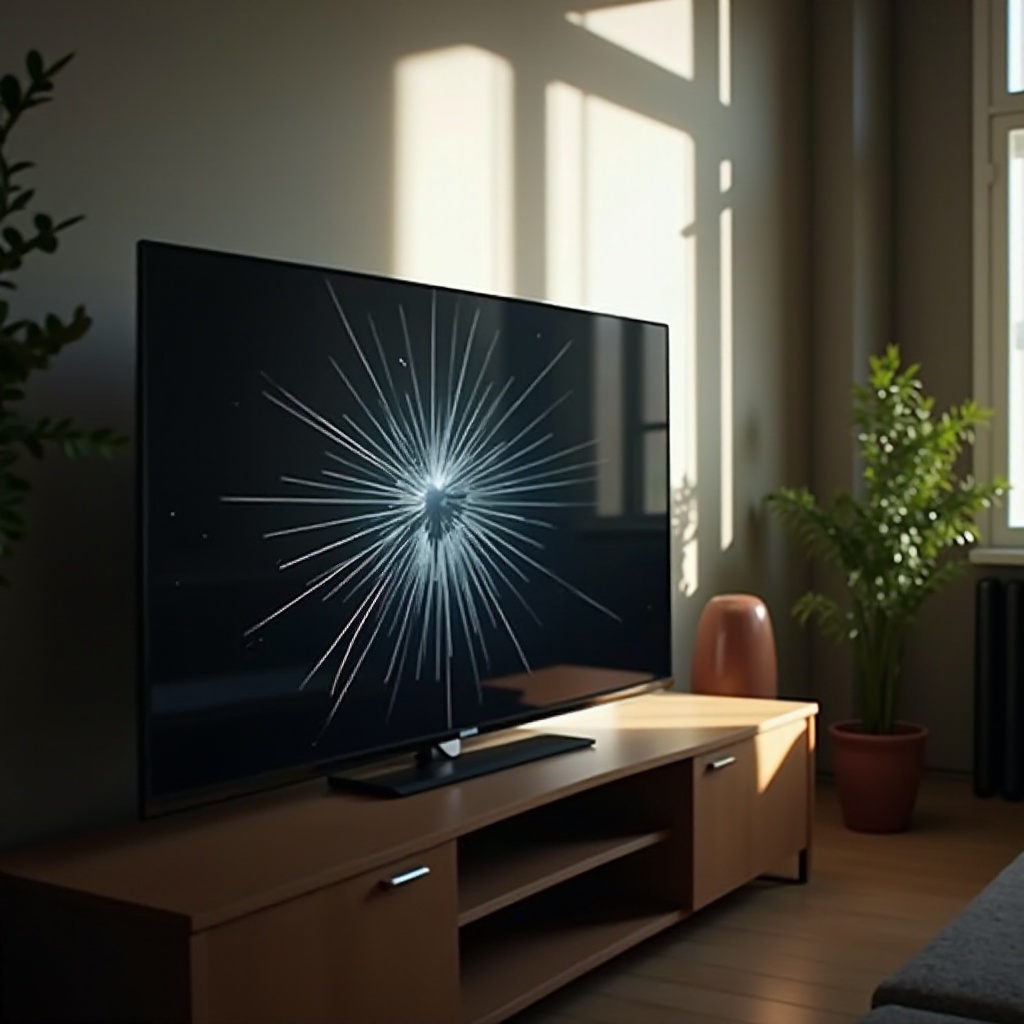
Understanding the nature of the problem is crucial to finding the right solution. TVs can suffer from various malfunctions, often related to the screen, sound, power, or connectivity. Here’s a breakdown of the most frequent issues:
- Screen Problems: Issues like no picture, lines on the screen, or distorted images.
- Sound Problems: Instances of no audio, intermittent sound, or distorted noise.
- Power Issues: Instances where your TV won’t turn on or shuts off unexpectedly.
Pinpointing these problems will guide you toward effective solutions and ensure you’re approaching the repair logically.
Troubleshooting Screen Issues
Once you’ve identified a screen issue, apply specific solutions to restore your TV’s display.
- Check Cables and Connections: Loose or damaged cables can disrupt the picture. Ensure all HDMI, video, and power cables are securely connected.
- Adjust Display Settings: Navigate the TV’s settings menu to tweak brightness, contrast, and picture mode. Ensure the correct input source is selected.
- Fix Dead Pixels: Dead pixels appear as tiny, permanently lit or unlit dots on the screen. Use a damp, lint-free cloth to gently massage the area, or use software tools designed to fix stuck pixels.
Solving these screen issues will significantly improve your viewing experience, ensuring images are crisp and clear.
Addressing Sound Problems
With visual issues resolved, you can now tackle sound-related troubles, essential for a complete viewing experience.
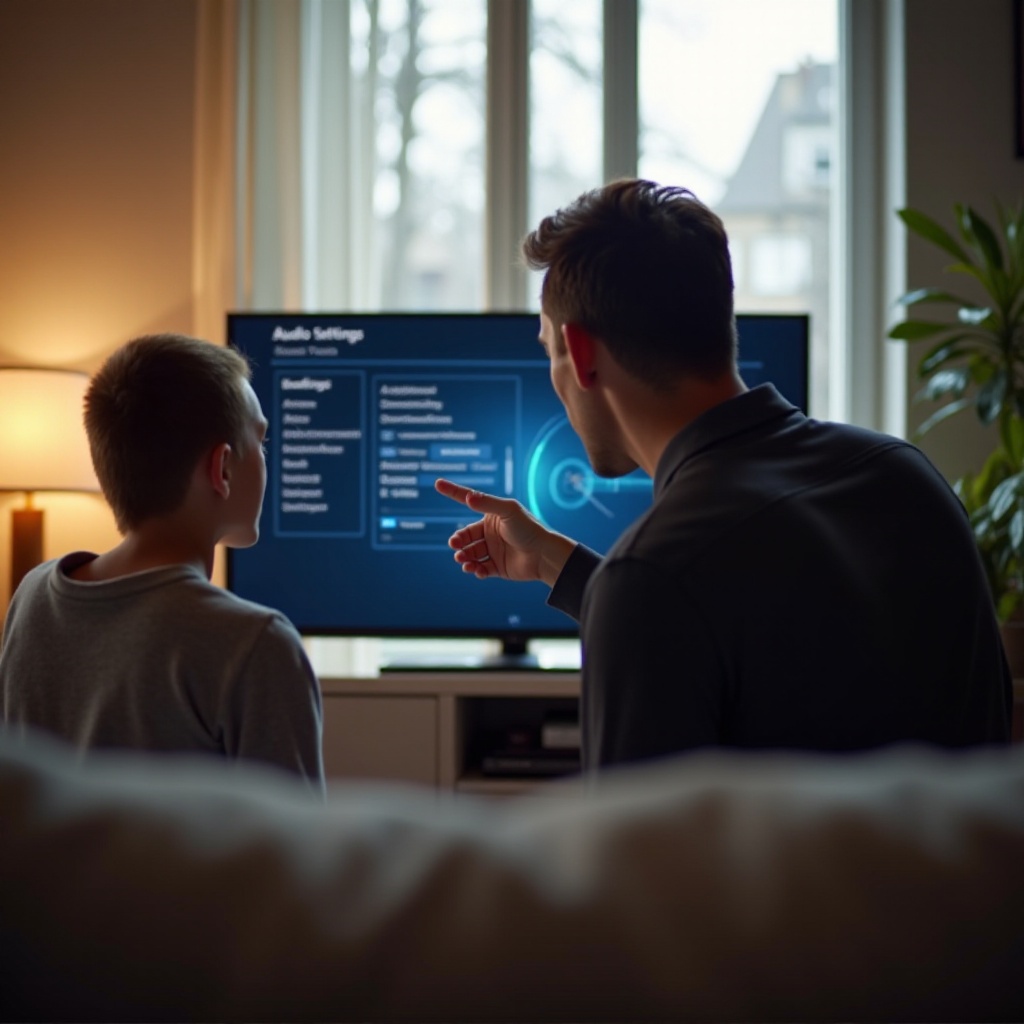
- Verify Volume Settings: Ensure the TV’s volume and mute settings are correct. Inspect connected audio devices for volume control issues.
- Test with External Speakers: Connect external speakers or headphones to determine if the fault lies with the TV’s internal speakers.
- Replace Faulty Audio Components: If external devices work well, inspect and consider replacing internal audio hardware components.
Sound clarity is critical to enjoying your TV, making it crucial to resolve these issues effectively.
Resolving Power Problems
After ensuring the screen and sound functionality, focus next on power stability, which is key to uninterrupted TV operation.
- Check Power Source and Outlet: Ensure the TV is plugged in securely. Test outlets with other devices to confirm they’re working.
- Inspect and Replace the Power Cord: Look for wear or damage on the power cord. Replace if needed.
- Reset Internal Power Settings: Unplug the TV for a few minutes to allow a reset to clear glitches. Refer to the user manual for performing a factory reset if available.
Resolving power issues not only ensures operational stability but also prolongs your TV’s lifespan.
Fixing Remote Control and Connectivity Issues
The finishing touch to your DIY TV repair is ensuring remote and connectivity systems function correctly.
- Replace Remote Control Batteries: This simple fix can restore remote functions.
- Re-pair or Replace the Remote: Follow the TV manual to re-pair or pair a new remote. Consider a universal remote if needed.
- Troubleshoot Wi-Fi and HDMI Connections: Make sure your TV is properly connected to your network. Reset your modem or router if needed and secure HDMI connections.
Ensuring control and connectivity are in working order will make your TV use seamless and hassle-free.
When to Seek Professional Help
Despite troubleshooting efforts, some issues may persist or appear too complex for DIY fixes. Indications that you need professional TV repair assistance include:
- Persistent or complex screen, sound, or power issues not addressed by troubleshooting.
- Signs of internal damage requiring specific parts or expertise.
For choosing a repair service, look for well-rated technicians or warranty services from your TV manufacturer, providing reliability and professional expertise.
Conclusion
Fixing a broken TV involves understanding common issues and strategic troubleshooting. By addressing screen, sound, power, and control systems, most problems can be resolved independently, saving time and cost. With this guide’s practical steps, you can successfully restore your TV’s functionality.
Frequently Asked Questions
How can I fix a TV that won’t turn on?
Ensure it’s plugged in, check for a working outlet, and consider replacing the power cord if the TV does not respond to these steps.
What should I do if my TV screen is flickering?
Inspect cables and sources for secure connections. Adjust display settings, and try using a different cable or source device.
Is it worth repairing an old TV?
Consider the repair cost vs. replacement. For very old models, it may be more economical to upgrade to a new TV with better features.