Introduction
Suddenly seeing your Wii controller blinking can be a frustrating experience that disrupts your gaming session. This common issue often stems from a variety of causes, but with a clear understanding and proper approach, you can tackle and resolve it effectively. Whether you’re facing battery, syncing, or sensor bar challenges, this guide aims to provide solutions to prevent and fix these blinking disturbances.
Understanding Wii Controller Blinking Issues
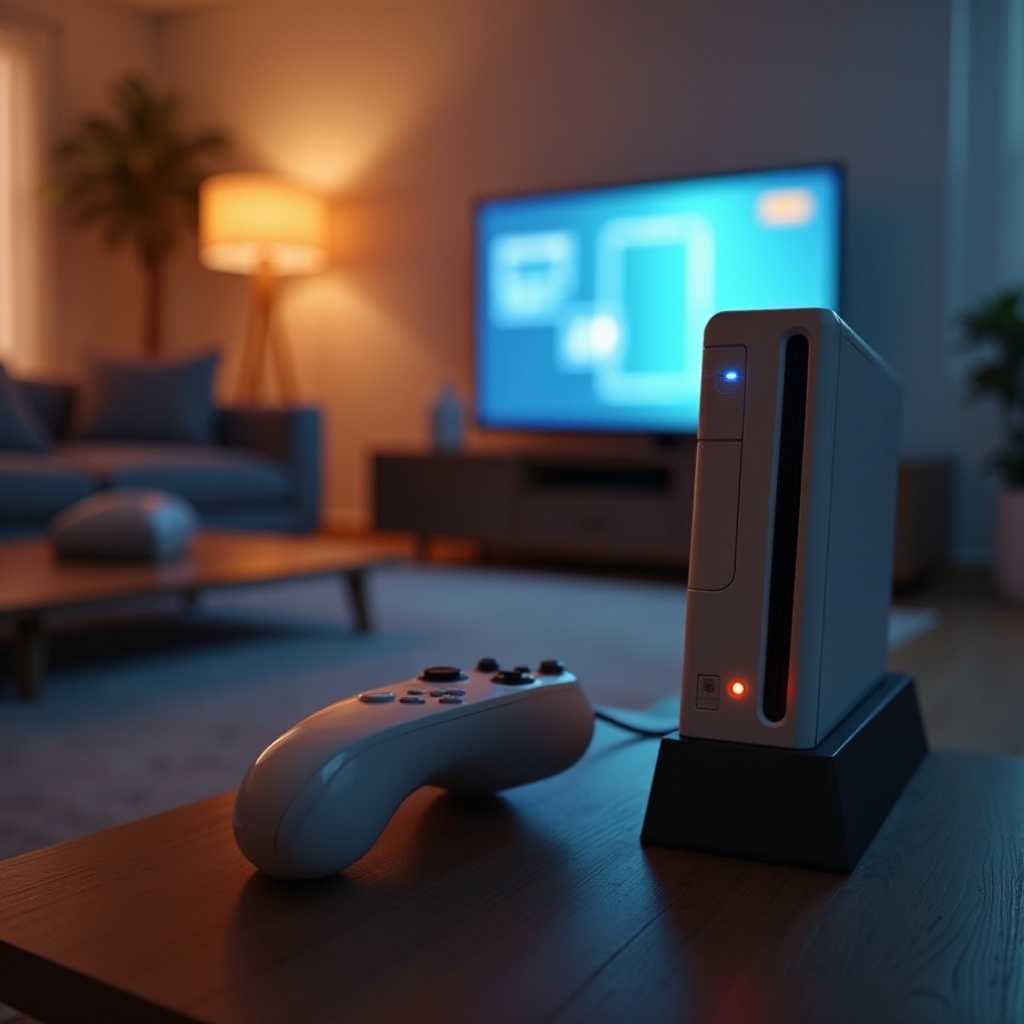
A blinking Wii controller usually indicates a connectivity issue, affecting your gaming experience. Getting to the root of these issues requires insight into what triggers them. Identifying the source allows for targeted troubleshooting steps, paving the way for smoother gameplay.
Common Causes of Blinking
Several factors can lead to a blinking Wii controller, and knowing these can guide you in troubleshooting:
-
Battery Problems: The Wii remote is dependent on batteries, and low power can disrupt console connection. Ensure batteries are fresh and properly installed.
-
Syncing Errors: Loss of sync between the Wii remote and console often results from interference or manual de-sync.
-
Sensor Bar Issues: The sensor bar is critical to proper communication between the controller and console. Misalignment or blockage can contribute to blinking.
Understanding these causes equips you with the necessary steps for effective troubleshooting, addressing each issue with precision.
Step-by-Step Troubleshooting Guide
Once you have identified the possible causes, follow these steps to resolve the blinking issue:
- Resyncing the Wii Controller:
- Locate and press the sync button on the console.
-
Continue by pressing the sync button on your remote to re-establish connection.
-
Checking Battery Status:
- Replace old batteries with new ones and ensure they are correctly inserted.
-
Confirm battery life and usage frequency to identify related issues.
-
Assessing Sensor Bar Functionality:
- Clear any obstructions from the area around the sensor bar.
- Ensure the sensor bar is properly aligned for optimal controller functionality.
These troubleshooting steps are designed to tackle common blinking causes. If issues persist, more advanced options may be required.
Advanced Solutions for Persistent Problems
For issues that refuse to go away, try implementing these advanced techniques:
-
System Reset Procedures: Sometimes a simple system reset can clear communication problems. Follow instructions carefully to reset your Wii console without losing any data.
-
Console Firmware Updates: Updating your console’s firmware can enhance software compatibility and provide solutions for connectivity issues. Regular updates keep your system running smoothly.
These advanced solutions delve deeper into resolving stubborn problems, ensuring you achieve long-lasting connectivity and enhanced performance.
Enhancing Controller Performance
After troubleshooting, it is crucial to think about maintaining and optimizing your controller. Regular maintenance and strategic calibration can prevent future issues and optimize responses:
- Regular Maintenance Tips:
- Clean your controller regularly to remove dirt and debris.
-
Store the controller properly to avoid damage and maintain longevity.
-
Calibration Methods:
Recalibrate regularly for improved accuracy. This ensures interaction consistency between your controller and the console, delivering a rich gaming experience.
When you adopt these practices, you minimize the risk of future blinking issues, allowing you to focus on the joy of gaming.
Conclusion
By following the discussed methods for addressing Wii controller blinking issues, gamers can enjoy uninterrupted gameplay. The solutions provided cover preventive maintenance, troubleshooting, and optimization, empowering users to maintain their Wii setup efficiently and effectively. Regular checks and proper care ensure that blinking issues become a thing of the past, keeping your gaming sessions smooth and enjoyable.
Frequently Asked Questions
Why does my Wii controller keep blinking despite fresh batteries?
If your controller continues to blink with fresh batteries, try resyncing it or resetting the console. Also, check for sensor bar obstructions.
How can I prevent my Wii controller from blinking in the future?
Maintain regular cleaning, firmware updates, and proper storage to prevent blinking. Assure timely battery replacements and check connectivity.
Is the blinking a sign of hardware failure?
Persistent blinking, despite troubleshooting, may indicate hardware issues. Consult a technician for a professional assessment.