
Introduction
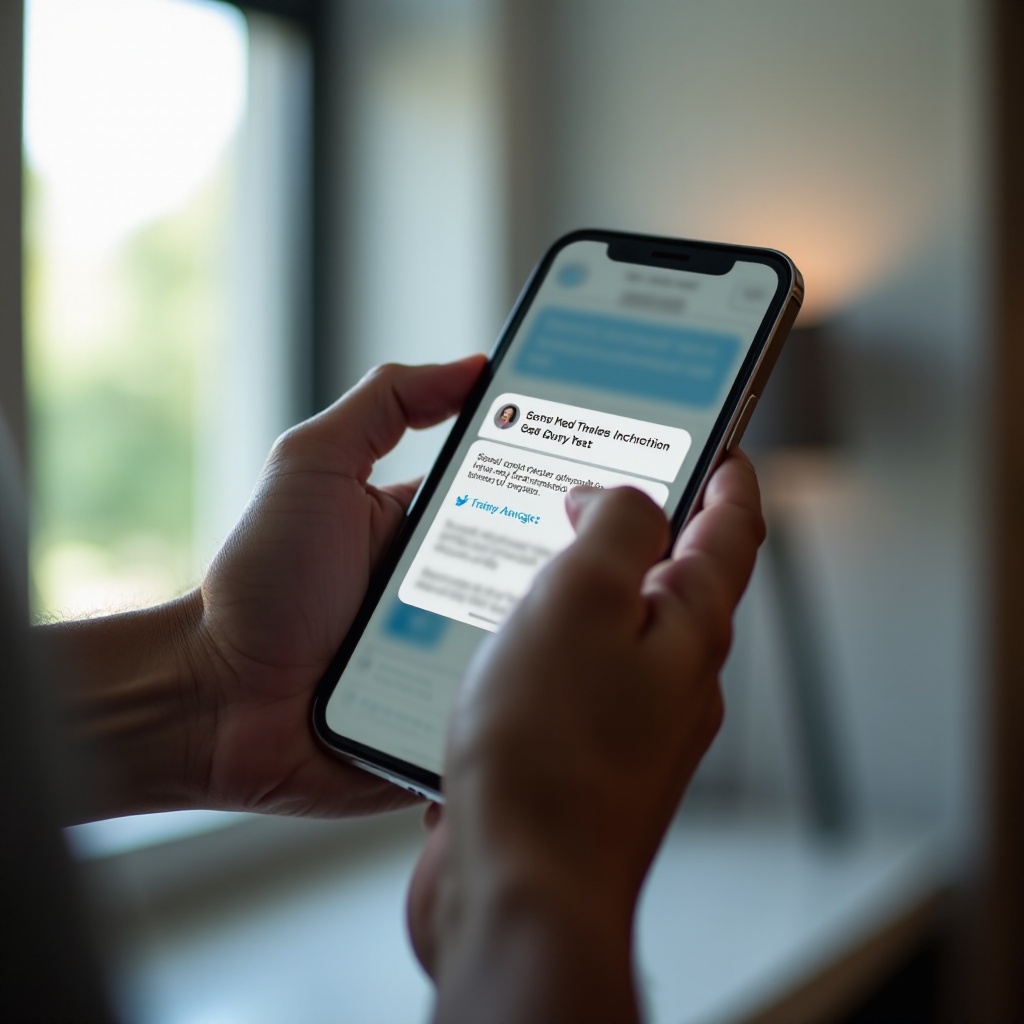
Spam text messages are intrusive and pose risks to privacy and security. As these messages become more numerous, knowing how to effectively remove them and prevent future spam is crucial. This guide explores practical solutions and tools available to help you regain control of your messaging experience.

Understanding Spam Text Messages
Spam texts typically include unsolicited ads, scams, or phishing attempts. Recognizing such messages is the first step in combating them. Texts from unknown numbers or those prompting immediate action or requesting personal information are often spam. Being aware of these indicators can help you manage them safely.

Identifying Spam Texts
To protect yourself, familiarize yourself with the clues of spam texts:
– Messages from unfamiliar or suspicious numbers
– Urgent calls to action, like clicking a link
– Offers that seem too good to be true
Recognizing these signs will empower you to avoid engaging with harmful content.
Built-in Phone Features for Blocking Spam
Smartphones come with powerful tools to block unwanted messages. iOS users can access ‘Messages’ settings to enable spam filters or block specific numbers directly from text threads. Android users can utilize the ‘Block Number’ feature in contact settings or activate messaging app spam protection. These features provide a straightforward method to reduce spam.
Using Third-party Apps to Block Spam Texts
While built-in features are helpful, third-party apps offer advanced filtering capabilities. Consider downloading reputable apps like TrueCaller or RoboKiller, which can:
– Automatically identify and block spam numbers
– Offer community-based reporting features
– Regularly update spam databases
These applications add an additional layer of security to your efforts in managing unwanted texts.
Carrier Solutions for Managing Spam
Mobile carriers provide solutions tailored to tackling spam messages. Engaging with your carrier’s spam management services can improve your defenses. Most carriers offer:
– Free or premium spam blocking services
– Tools to report spam messages
– Analytics to monitor spam trends
Contact your carrier to explore available options, enhancing your spam-blocking arsenal effectively.
Reporting Spam Texts
In addition to blocking, reporting spam messages helps protect the wider community. Here’s how to report:
1. Forward the spam message to the carrier’s dedicated number, usually like 7726.
2. Report details about the message’s content and sender through the carrier’s site or app.
Reporting assists carriers and authorities in tracking trends and potentially taking legal action.
Best Practices to Prevent Spam
Preventative measures reduce the chance of receiving spam texts:
– Avoid sharing your number publicly
– Regularly update privacy settings across apps
– Be cautious with unfamiliar numbers
Integrating these habits into your routine can reduce spam messages over time.
Conclusion
Managing spam text messages effectively involves identification, removal, and prevention strategies. Utilizing built-in features, third-party apps, carrier solutions, and proactive habits can secure your messaging environment against unwanted interruptions. Commit to these practices for a spam-free mobile experience.
Frequently Asked Questions
How can I permanently stop spam text messages?
Utilize a combination of phone settings, third-party apps, and carrier services designed to block and report spam texts comprehensively.
Are spam text messages dangerous?
Yes, spam texts can pose risks such as phishing scams meant to obtain personal information or malware links intended to harm your device.
Can I report spam messages to my carrier?
Absolutely. Most carriers encourage reporting spam texts as it helps them track and address spam trends, protecting other users from similar threats.