
Introduction
AirPods have become essential for many users due to their convenience and seamless design. Despite their popularity, dead AirPods remain a common issue, leaving users confused about how to fix them. This comprehensive guide will help you identify the reasons your AirPods are not functioning and provide solutions to revive them. We’ll also share tips for maintaining their longevity.

Understanding Dead AirPods
When AirPods fall into the dreaded state of dormancy, recognizing the symptoms can save time. Common issues include failure to connect, static noise, and inability to charge. Knowing what might be causing the problem involves examining multiple factors such as battery life, hardware malfunction, or software errors.
By diagnosing these issues early, you can take the right steps to address them, opening the door to potentially simple solutions.
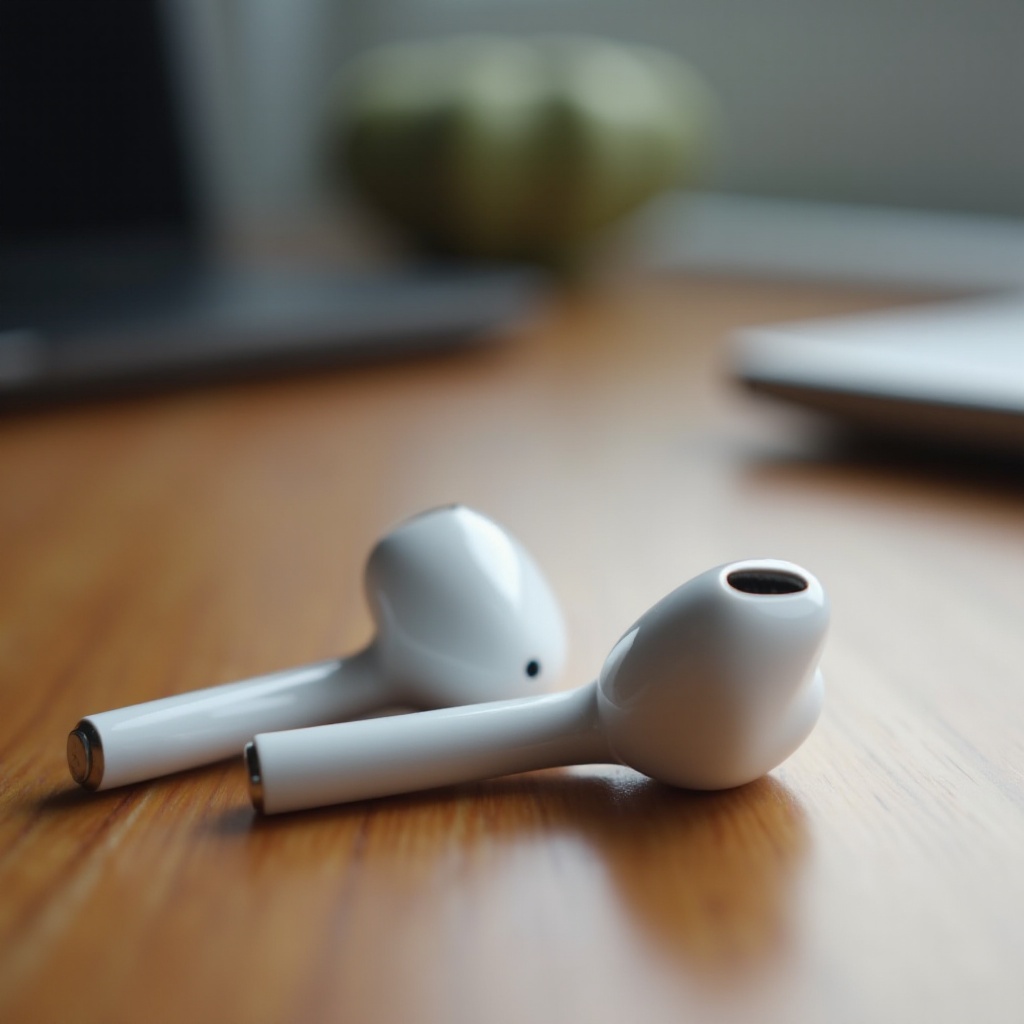
Quick Fixes for Bringing AirPods Back to Life
Here, you’ll find straightforward solutions that often bring AirPods back from the dead.
- Reset Them: Unpair your AirPods, then pair them again to establish a fresh connection.
- Clean Connectors: Dust and debris can obstruct functionality. Brush connectors gently with a soft, dry brush.
These fixes are simple but frequently effective in tackling basic responsiveness issues, making them a go-to for immediate results.
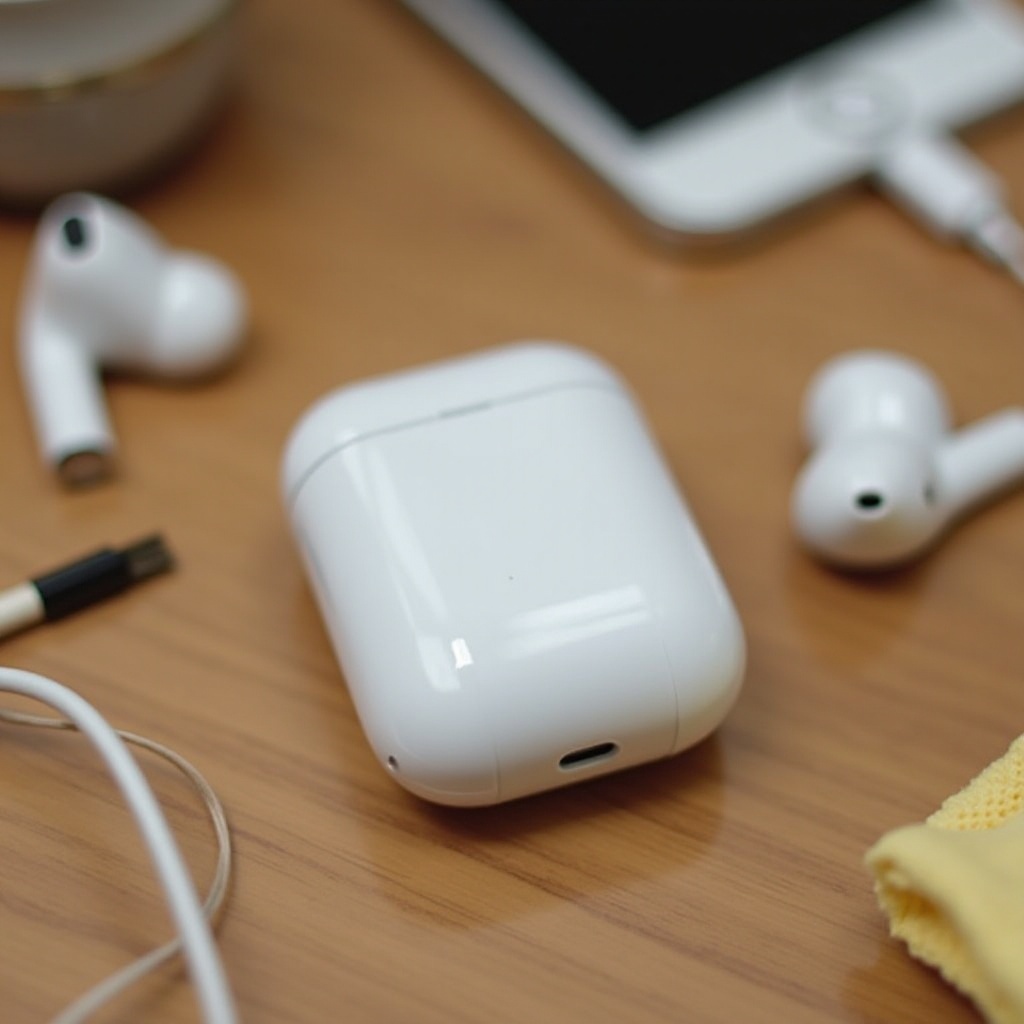
Detailed Solutions for Persistent Problems
If quick fixes don’t resolve the issue, you might need more comprehensive approaches.
- Battery Replacement: Over time, AirPods batteries degrade. A professional battery replacement might be necessary.
- Apple Support: For persistent problems, visiting Apple Support provides diagnostics and solutions, ensuring you’re handling the device appropriately.
In-depth measures are crucial for dealing with more complex AirPods issues, often needing professional attention.
Preventive Measures for AirPods Longevity
Once your AirPods are revived, consider best practices for retaining their functionality.
- Routine Cleaning: Regularly clean your AirPods to keep debris at bay and ensure charging efficiency.
- Optimal Environment: Store AirPods in a cool, dry place, and avoid extreme temperatures.
Proper care aids in maintaining your AirPods’ condition, extending their lifespan and enhancing performance.
Conclusion
From identifying causes to implementing solutions, fixing dead AirPods requires patience and attention. While you troubleshoot, incorporate preventive techniques to sustain their performance. With the right maintenance, your AirPods can remain reliable, enhancing your listening experience day after day.
Frequently Asked Questions
What should I do if my AirPods won’t charge?
Clean the charging case and connectors carefully, attempt a device reset, or reach out to Apple Support for guidance.
Can I replace the battery in my AirPods myself?
It is recommended to have professionals handle battery replacements to maintain warranty and prevent damage.
How often should I clean my AirPods to prevent them from dying?
Cleaning your AirPods and their case at least once a month can help avoid issues and ensure strong connections.