Introduction
Facing a black screen issue on your LG TV while sound continues can be unsettling. This common problem can disrupt your entertainment time, often leading to frustration. Identifying the cause is the first important step to fixing it. In this guide, we delve into effective troubleshooting steps, ensuring you’re equipped with the knowledge to resolve the problem and prevent its recurrence, providing solutions whether it’s a simple fix or a complex issue.
Understanding the Issue: LG TV Screen Black with Sound
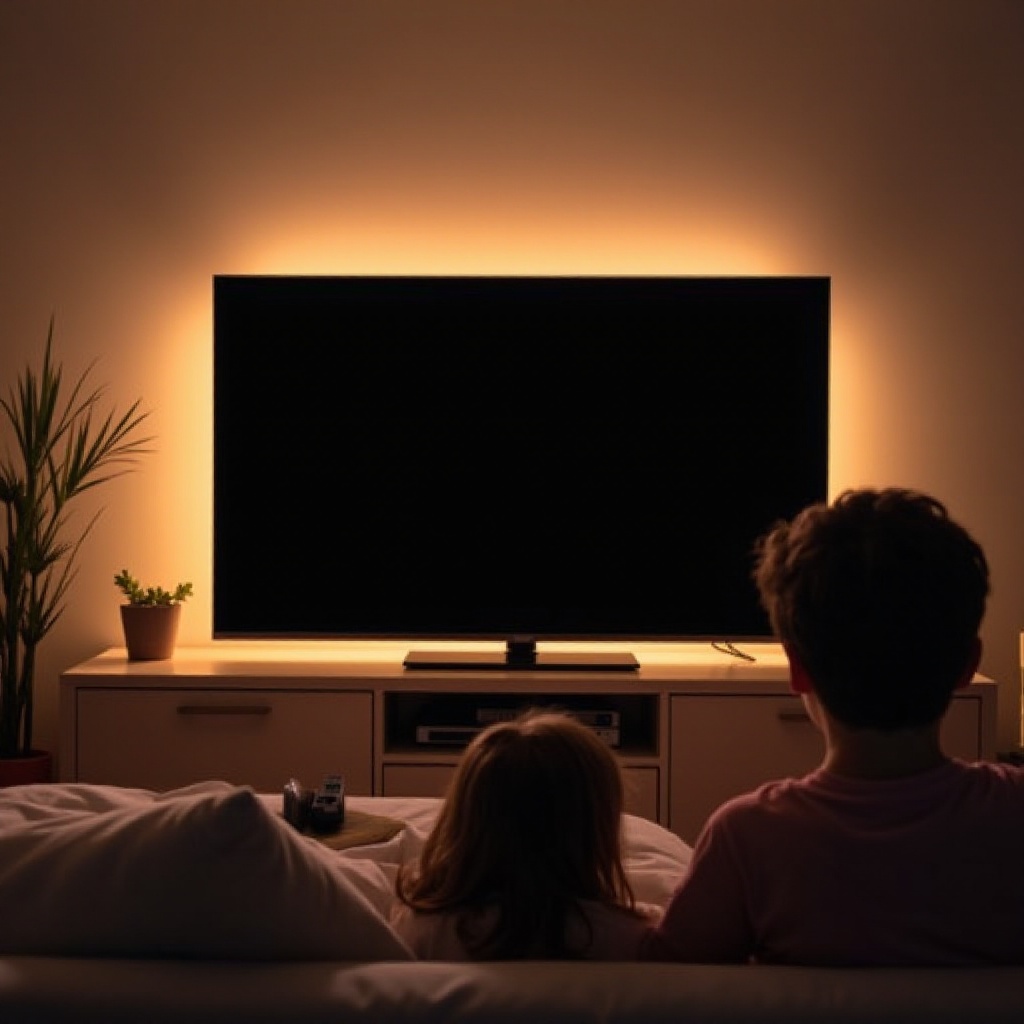
When you experience an LG TV screen that’s black but still plays sound, it indicates a possible display or connection problem. Typically, this issue arises from connectivity mishaps, incorrect settings, or issues with the TV’s hardware or software. Proper understanding of these potential causes allows for a more efficient troubleshooting process. Moving forward, let’s explore basic troubleshooting methods that often resolve this issue within the comfort of your home.
Basic Troubleshooting Steps
When you’re confronted with a black screen, start with these basic steps:
- Power Cycle Your LG TV:
- Unplug your TV from the electrical outlet.
- Wait for a full minute before plugging it back in.
-
Turn your TV back on to see if the issue is resolved.
-
Verify HDMI and Cable Connections:
- Check all HDMI cables for secure connections.
- Test different HDMI ports to confirm port functionality.
-
Utilize high-quality cables to minimize signal interference.
-
Check Input and Source Settings:
- Ensure the TV is configured to the correct input source.
- Double-check that the selected input matches your desired device.
These foundational checks help eliminate potential minor issues that may contribute to the black screen problem. If these steps don’t resolve your concern, we’ll delve into more advanced troubleshooting solutions.
Advanced Troubleshooting Techniques
If the black screen issue persists, consider these advanced options:
- Update Firmware and Software on Your LG TV:
- Access the settings menu and navigate to ‘Software Update’.
-
Ensure your TV is online and install any available updates.
-
Disable Energy Saving Mode:
- Visit the settings menu and locate ‘Energy Saving Mode’.
-
Turn off this feature as it might power down the display after inactivity.
-
Perform a Factory Reset:
- Back up your data before proceeding, as this process will erase personalized settings.
- Use the TV’s settings menu to initiate a reset, restoring it to factory defaults.
These steps target more internal issues that may affect your TV’s display function. Should these techniques prove ineffective, it might be time to consult professional assistance.
Identifying When to Seek Professional Help
Consistently encountering display issues despite exhaustive troubleshooting can hint at deeper hardware concerns necessitating expert intervention. Here’s how to determine if professional help is warranted:
- Recognizing Hardware Failure Signs:
- Persistent problems after all attempts to troubleshoot.
-
Presence of physical damage or unusual noises from the unit.
-
Utilizing Warranty and Support Options:
- Verify your TV’s warranty status for coverage on repairs or replacements.
- Reach out to LG support for professional repair guidance.
By recognizing these signs and engaging warranty or support services, you can save both time and potential additional costs.
Preventive Measures for LG TV Black Screen Issues
Avoiding future instances of the black screen problem involves maintaining your TV and employing optimal settings:
- Regular Maintenance Tips:
- Regularly dust your TV to prevent overheating and malfunctions.
-
Ensure the unit is well-ventilated to allow sufficient air circulation.
-
Optimal Display Settings for Prolonged TV Life:
- Optimize your TV’s display settings for both quality and energy efficiency.
- Avoid prolonged periods of inactivity to preserve the screen.
Implementing these preventive tactics enhances your television’s lifespan, ensuring an optimal and uninterrupted viewing experience.
Conclusion
Troubleshooting the ‘screen black with sound’ issue on your LG TV can seem daunting initially, but utilizing this guide’s practical steps can make a resolution achievable. Starting with basic checks and progressing to advanced solutions while knowing when to consult professional help ensures a comprehensive handling of the issue. Regular maintenance will also prevent reoccurrence, providing seamless TV enjoyment.
Frequently Asked Questions
Why is my LG TV screen black but the sound still works?
This issue might be due to a loose cable connection, incorrect input settings, or a need for software updates.
How do I reset my LG TV when the screen is black?
Access the TV settings via the remote or consult the TV manual for the factory reset steps if the display is inaccessible.
Does LG warranty cover a black screen issue?
Yes, if the TV is within the warranty period, black screen issues typically fall under it. Contact LG support for assistance.