
Introduction
Managing your iPhone’s contact list can seem daunting, particularly when it becomes cluttered over time. Whether you’ve saved several duplicates or outdated entries, starting fresh with a clean slate might be the best solution. This guide reveals easy methods to clear your contact list, ensuring a seamless and hassle-free process.
Before diving into the methods, it’s worthwhile to consider why clearing your contact list might prove beneficial. Understanding your motivation is critical for selecting the ideal deletion method, which we’ll explore next.
Reasons to Delete All Contacts
There are various motivations for wanting to delete all contacts from your iPhone. Perhaps, an upgrade to a new device prompts a clean start, or maybe privacy concerns necessitate such action. Outdated information and redundant duplicates often contribute to clutter.
Whatever your reason, identifying the core motivation aids in selecting the most appropriate method for removal. Next, we’ll ensure you’re well-prepared before erasing your contacts.
Preparing for Removal
Before removing contacts, preparation is key. It’s essential to make sure all important data is safeguarded.
- Backup Your Contacts: Use iCloud or iTunes to back up your contacts. This vital step keeps a secure copy for potential future restoration.
- Ensure iCloud Sync is Enabled: Verify that iCloud sync is active in your settings. This step simplifies deletion, especially if you’re using iCloud to manage contacts.
With your data backed up and settings confirmed, let’s look at the various deletion methods available.
Deleting All Contacts via iCloud
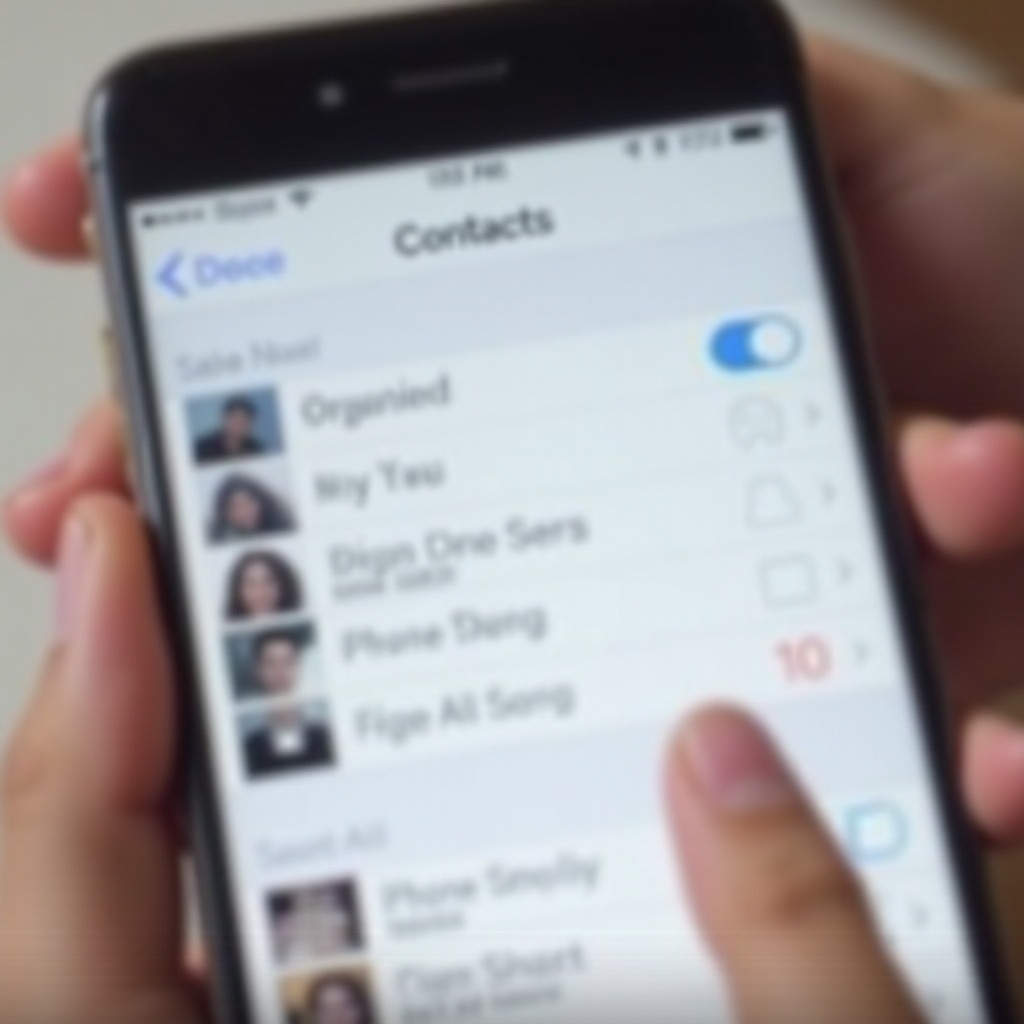
Using iCloud to delete contacts is a straightforward method offering ease and convenience.
- Accessing iCloud Settings: Open Settings, tap your name, and then tap ‘iCloud’.
- Removing Contacts through iCloud: Turn off the ‘Contacts’ toggle. You’ll be asked to ‘Keep on My iPhone’ or ‘Delete from My iPhone’. Choose ‘Delete’ to erase all iCloud-synced contacts.
This option removes contacts from your iPhone while retaining them in your iCloud account, should you wish to restore them at a later date.
Exploring Third-Party Solutions
For those seeking additional features, third-party apps offer alternative methods to delete contacts in bulk. These apps simplify the process and can help with detecting duplicate entries.
- Recommended Apps for iPhone: Apps like ‘Cleaner’ or ‘Contact Cleanup’ can offer efficient contact management.
- Pros and Cons: While these apps provide ease of use, they require access to your contacts, which could raise privacy concerns.
Selecting the right app depends on your comfort with app permissions and which additional features you value. With third-party options covered, let’s address potential obstacles.
Troubleshooting Common Problems
Even with the right tools, issues may arise during contact deletion. Here’s how to manage them:
- Contacts Not Deleting: Check your iCloud settings and internet connection, as they are vital for proper syncing.
- Handling Reappearing Contacts: This may happen if iCloud sync settings are incorrect or other apps access your contacts. Ensure you manage permissions appropriately.
Resolving these problems will make your experience smoother and ensure the changes you make remain effective.

Keeping Your Contacts Organized
After clearing your list, maintaining a tidy contact list is essential.
- Regular Cleanup Tips: Make periodic checks to remove outdated or unnecessary contacts, keeping your list relevant and easy to navigate.
- Apps for Ongoing Management: Use apps like ‘Contacts+’ to assist in merging duplicates and organizing data efficiently.
Maintaining your contacts prevents clutter and ensures quick access to necessary information, culminating in our conclusion.
Conclusion
Removing all contacts from your iPhone can simplify your digital life and improve your device’s performance. By following the right steps and using suitable tools, a clutter-free contact list is within your reach. Regular management ensures it remains useful and easy to navigate in the future.
Frequently Asked Questions
Can I recover deleted contacts if I change my mind?
Yes, if you’ve backed up your contacts via iCloud or iTunes, you can restore them any time.
Is using third-party apps safe for deleting contacts?
Reputable third-party apps are generally safe, but ensure you review permissions and app reviews for privacy.
How often should I clean up my contact list?
Regularly review your contacts every few months to keep the list accurate and useful.