Introduction
Nintendo Switch stands out as a versatile console, offering players various ways to enjoy games solo or with friends. A common question among Switch owners is, ‘Can two Nintendo Switch consoles connect to play together?’ Absolutely, and we’ll take you through the entire process. From initial setup to game recommendations, learn how to enhance your gaming setup for optimal multiplayer fun.
Setting Up for Multiplayer Gaming
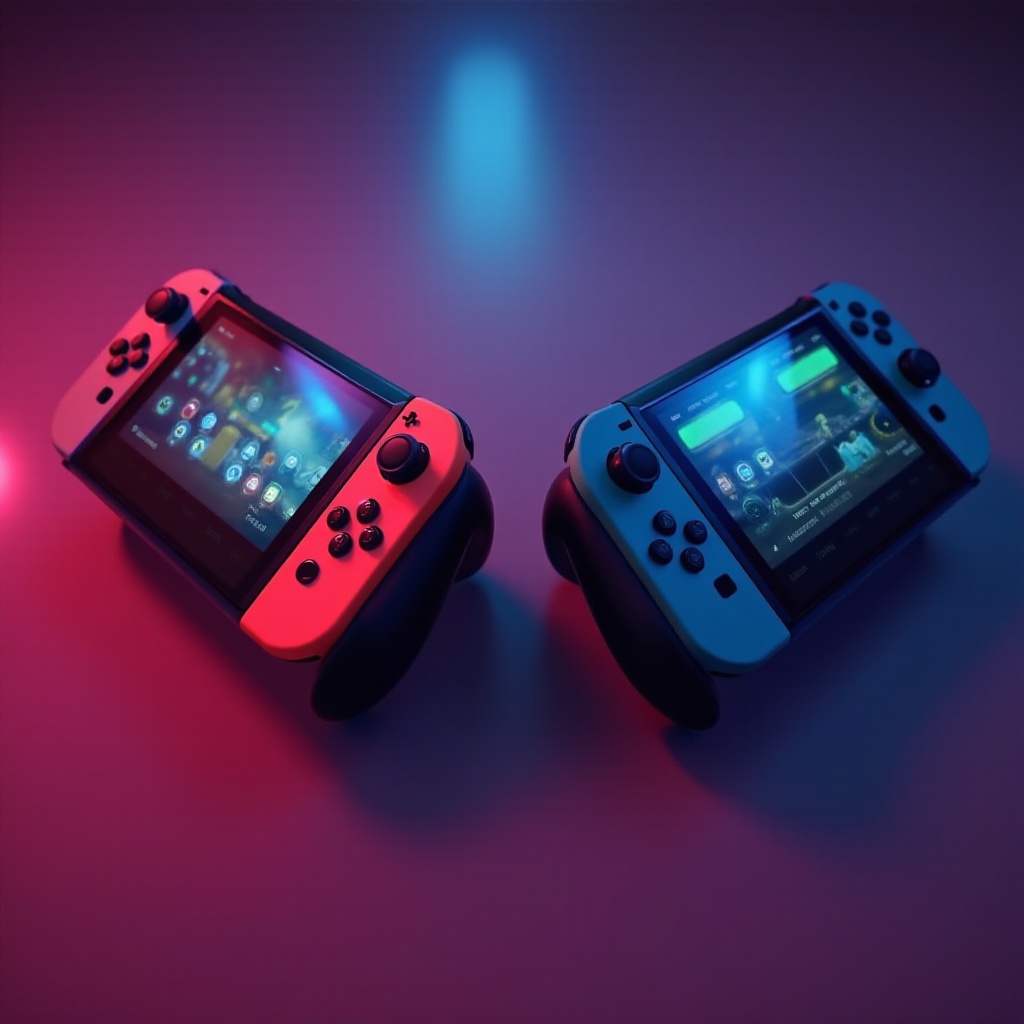
Let’s start by making sure your Nintendo Switch consoles are prepared for multiplayer gaming. Proper setup paves the way for seamless gaming sessions.
-
Preparing Your Consoles: Begin by fully charging both consoles and ensure they’re running the latest firmware. Go to System Settings > System > System Update to initiate updates.
-
Connectivity Options: Decide between wired and wireless connections. While wireless offers mobility, a wired setup can provide a more stable internet connection, especially crucial for online play.
-
Firmware Updates: Check for and install the latest firmware on both devices. Updates not only fix bugs but also introduce new features to enhance gaming.
Once your consoles are set, you’re well positioned to explore local multiplayer options, a great way for family and friends to join in on the fun.
Exploring Local Multiplayer Options
Local multiplayer is a fantastic way to enjoy gaming in a shared physical space, fostering camaraderie and friendly competition.
-
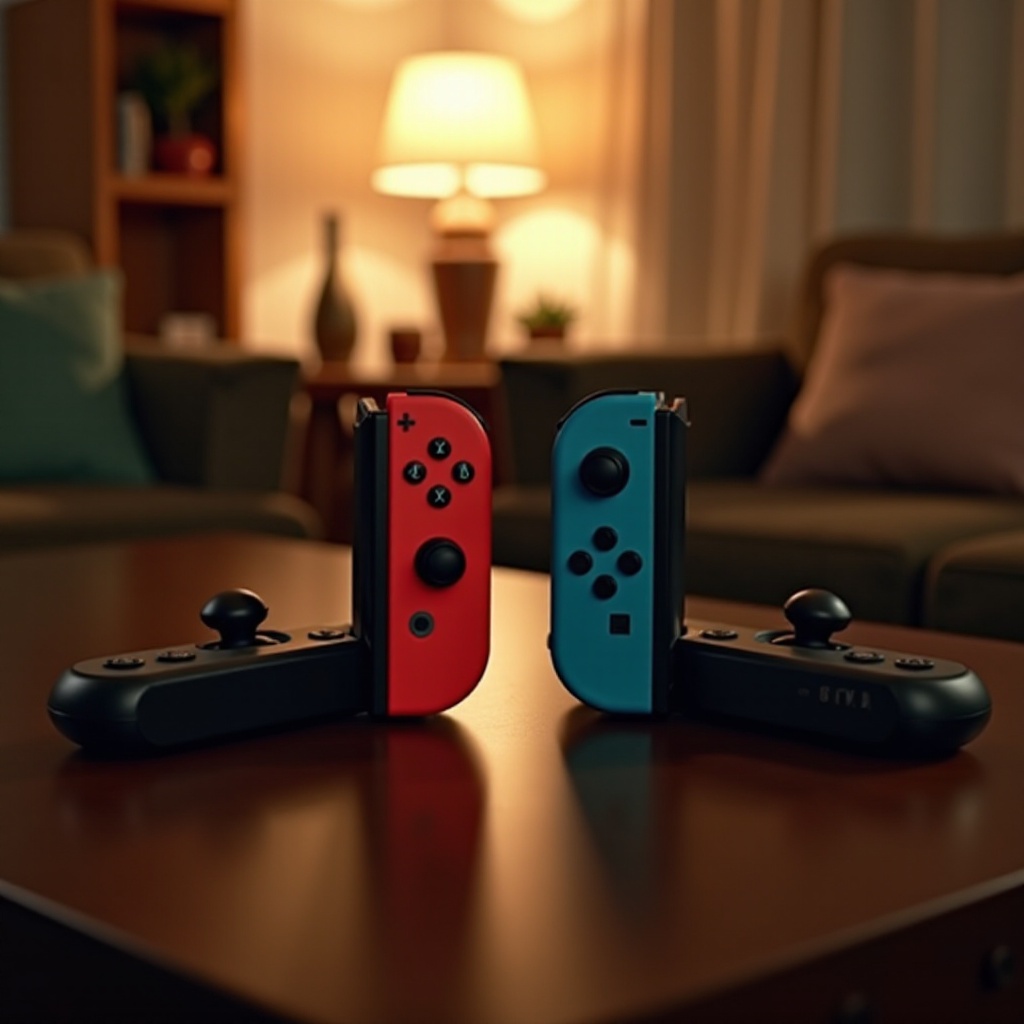
Offline Co-op and Split Screen: Games like Mario Kart 8 Deluxe shine in split-screen mode. Simply connect Joy-Con controllers and follow on-screen instructions to add players.
-
Game Titles: Nintendo Switch features numerous titles supporting local multiplayer. Favorites such as Super Smash Bros. Ultimate, Overcooked 2, and Super Mario Party promise hours of excitement.
-
Optimizing Local Play: Ensure your setup includes comfortable seating and that everyone has a clear view of the screen. For larger groups, consider using a projector or large monitor.
With a smooth local multiplayer setup, you’re ready to expand the experience by venturing into online multiplayer possibilities.
Online Multiplayer Possibilities
Taking your multiplayer experience online opens up a global arena, adding a new layer of excitement.
-
Nintendo Switch Online: Accessing online multiplayer requires a Nintendo Switch Online subscription. This service not only grants online play access but also an extensive library of classic games.
-
Nintendo Account Setup: Each console must have its own Nintendo Account. Visit the Nintendo Account website to create or link accounts to your consoles.
-
Supported Games for Online Play: Many popular titles, such as Fortnite and Animal Crossing: New Horizons, allow online interactions between consoles. Verify each game’s requirements for online compatibility.
Connecting online broadens your gaming horizons, offering new and diverse experiences alongside selecting popular family-friendly titles.
Popular Family-Friendly Multiplayer Games
Family game nights are even more enjoyable when everyone can participate in age-appropriate and engaging games.
-
Family Favorites: Titles like Mario Kart 8 Deluxe and Super Mario Party provide endless excitement for players of all ages. Games like Minecraft and Stardew Valley are great for nurturing creativity and teamwork.
-
Mixing Competition and Cooperation: Balance competitive games with cooperative ones to foster teamwork. While competitive games like racing can be thrilling, cooperative games like Snipperclips require players to work seamlessly together.
Choosing the right mix of games guarantees that all players have a fantastic time, paving the way to exploring accessories that enhance multiplayer experiences.
Accessories to Enhance Multiplayer Gameplay
Enhancing gameplay with the right accessories can improve comfort and boost the multiplayer experience.
-
Game Controllers: Pro Controllers offer traditional control schemes, ideal for longer gaming sessions. Additional Joy-Con sets allow for more players to join the action.
-
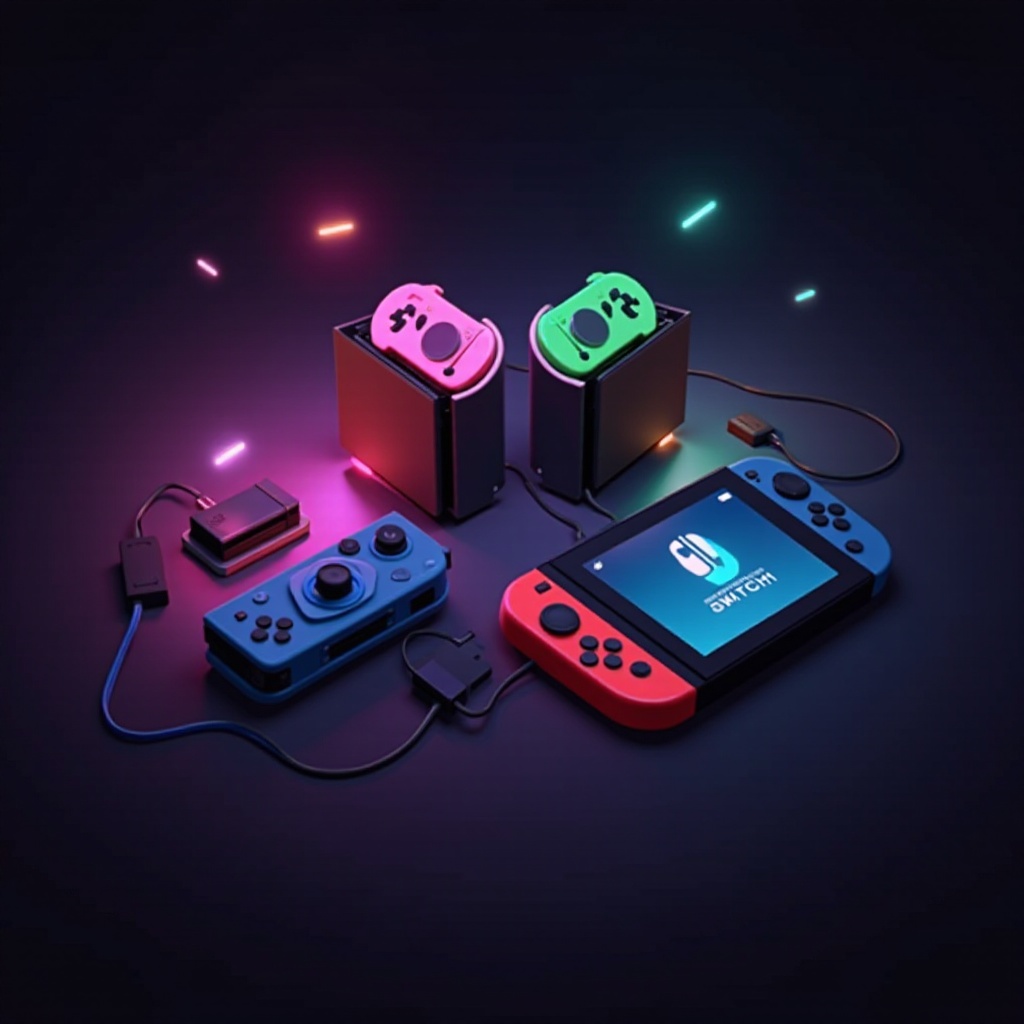
Docking Stations and Chargers: Keeping your controllers charged ensures uninterrupted playtimes. Docking stations keep everything organized and ready.
With the right accessories, gaming sessions become more enjoyable and convenient, ensuring everyone gets the most out of gameplay.
Conclusion
Playing together on two Nintendo Switch consoles introduces a host of engaging gaming possibilities. Whether enjoying local co-op or diving into the world of online interactions, the Nintendo Switch offers diverse options for every player. With the proper setup, game selection, and accessories, you can create endless memorable gaming experiences.
Frequently Asked Questions
How many players can join in a local multiplayer session on Nintendo Switch?
Up to eight players can join in some games, provided you have enough controllers.
Do I need a separate online account for each console?
Yes, each console must have its own linked Nintendo Account for online gaming.
What are common troubleshooting steps if the consoles can’t connect to each other?
Check your internet connection, ensure both consoles have updated firmware, and verify that your accounts are correctly set up.